
Slide 1

Computer Repair Shop ERP Software

Smart Computer Repair ERP for Faster, Better Business Management

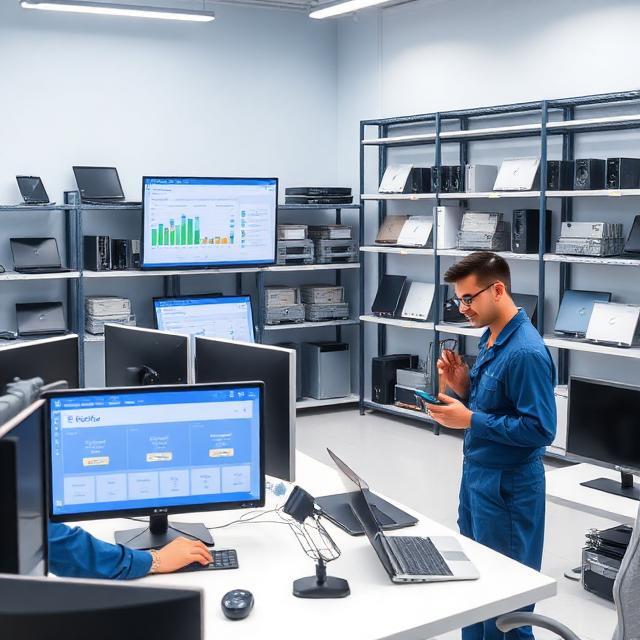
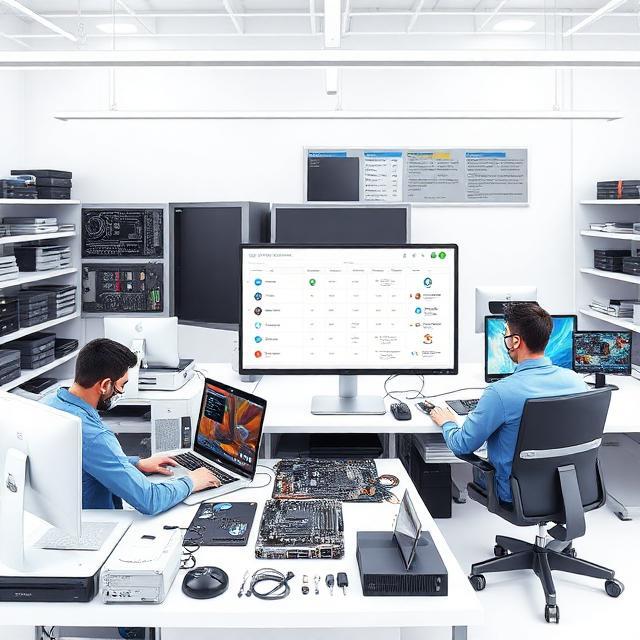
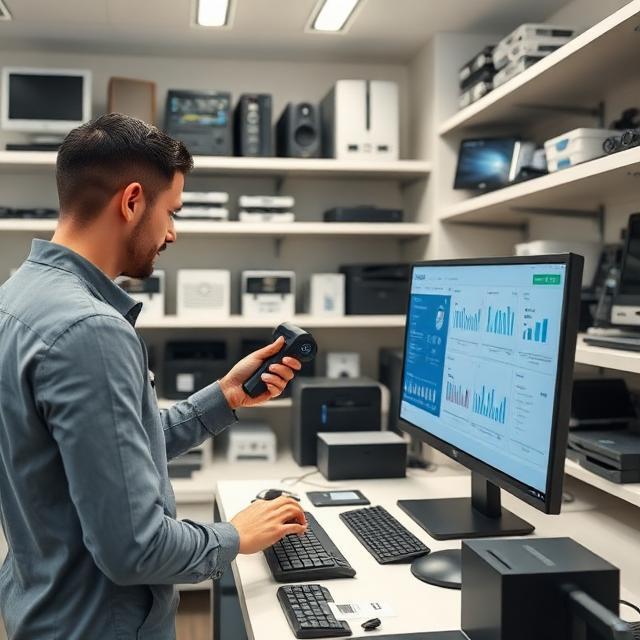
Manage repair jobs, customers, inventory, billing, technicians, and service tracking from one powerful platform. Streamline your repair workflow, reduce manual work, and deliver better customer service with ease.

previous arrowprevious arrow
next arrownext arrow
Common Business Challenges

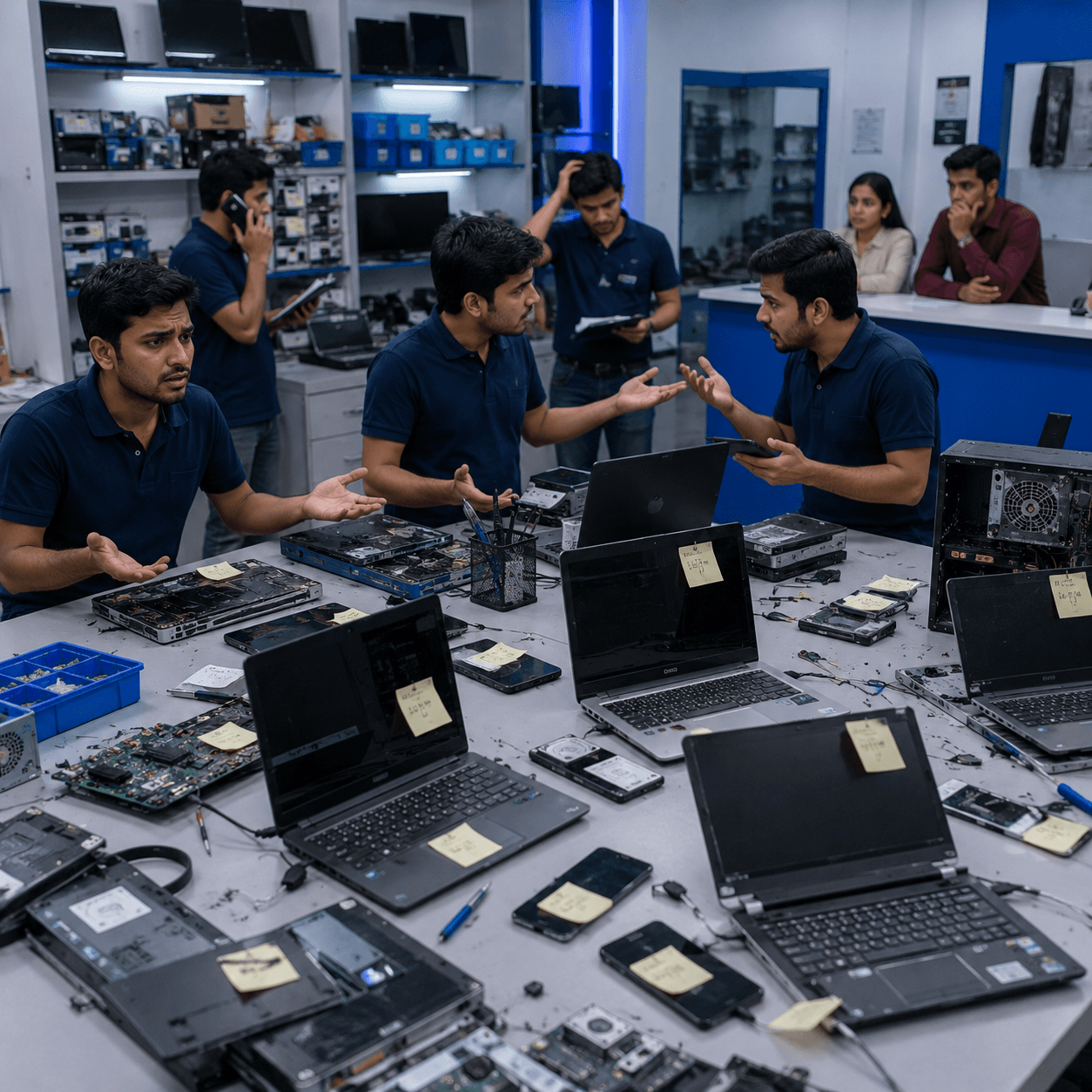
Still Managing Repair Jobs in Excel?

Manual processes slow down your repair business, increase errors, and affect customer satisfaction.

Lost Repair Records

Customer repair history gets misplaced, making service management difficult.

No Job Tracking

Unable to monitor repair progress and technician updates.

Inventory Confusion

Spare parts become difficult to locate.

Delayed Delivery

Repairs take longer than expected.

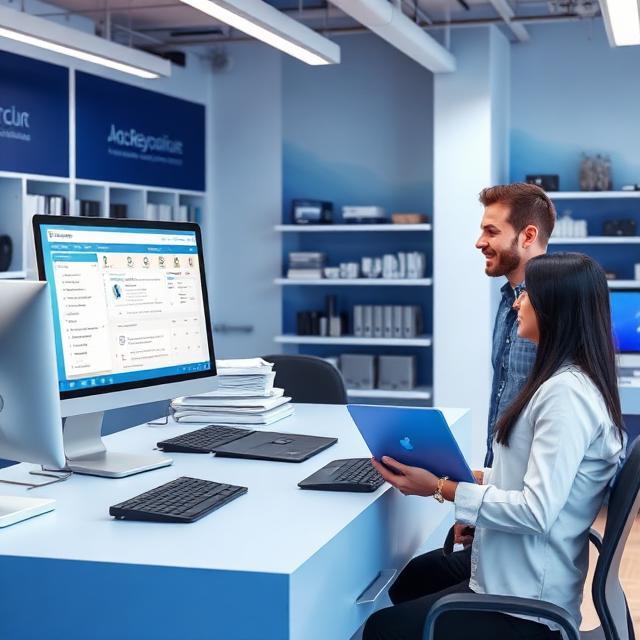
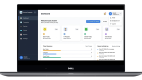
One Dashboard. Complete Control.

Eliminate manual work and streamline your repair business with smart tools for job tracking, inventory management, technician assignments, billing, and real-time business insights.

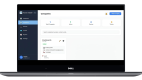
Smart Job Card Management

jobcard

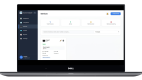
Customer Management

Customer Management

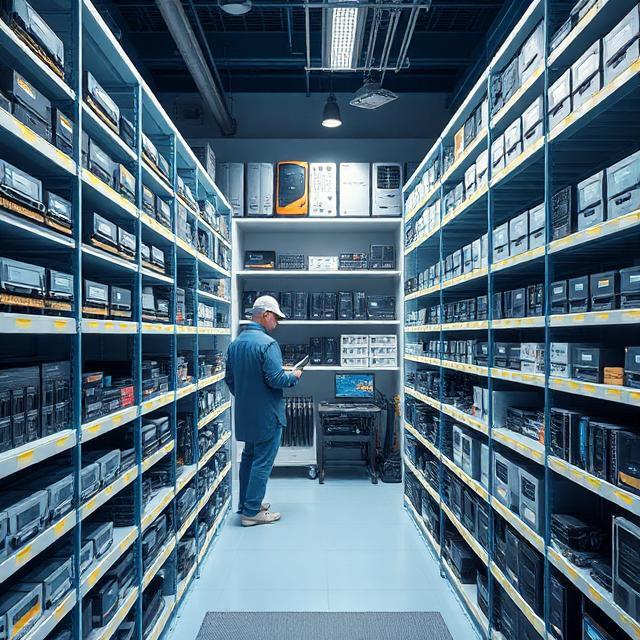
Inventory & Spare Parts Tracking

Inventory

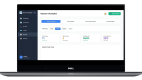
Repair Status Tracking

Reports

Technician Assignment

Technician Assignment

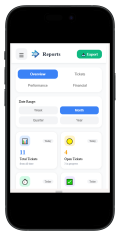
Business Reports & Analytics

Business Reports & Analytics

Barcode-Based Inventory

barcode

Powerful Features to Simplify Every Repair Operation

Manage your entire computer repair business with smart tools designed to improve efficiency, reduce manual work, and deliver a better customer experience.

inventory-management

01

Inventory Management

Track spare parts, accessories and stock levels in real time.

02

Customer Management

Store customer information, repair history and communication in one place.

03

Repair Tracking

Monitor every repair from check-in to final delivery.

04

SMS & WhatsApp Updates

Automatically notify customers about repair progress.

05

Repair Status Updates

Send real-time repair status updates and keep customers informed.

06

Reports & Analytics

Get valuable insights into sales, repairs and business growth.

07

Technician Management

Assign jobs, monitor workloads and improve technician productivity.

08

Live Dashboard

View your business performance with real-time statistics and KPIs.

See How Our Software Simplifies Every Repair Process

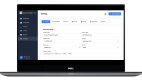
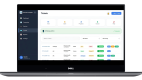
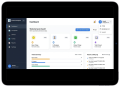
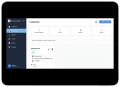
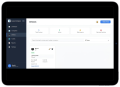
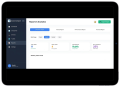
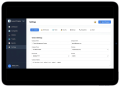
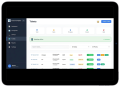
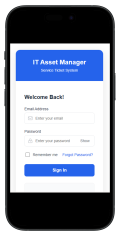
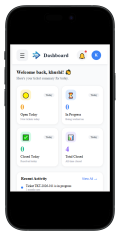
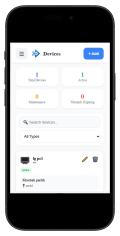
Explore an intuitive dashboard designed to help you manage repairs, customers, inventory, billing, reports, and technicians—all from one centralized platform.

Thumbnail 1
previous arrowprevious arrow
next arrownext arrow
Thumbnail 1
Thumbnail 2
Thumbnail 3
Thumbnail 4
Thumbnail 5
Thumbnail 6
Thumbnail 7
previous arrow
next arrow
Thumbnail 1
previous arrowprevious arrow
next arrownext arrow
Thumbnail 1
Thumbnail 2
Thumbnail 3
Thumbnail 4
Thumbnail 5
Thumbnail 6
Thumbnail 7
previous arrow
next arrow
Thumbnail 1
previous arrowprevious arrow
next arrownext arrow
Thumbnail 1
Thumbnail 2
Thumbnail 3
Thumbnail 4
Thumbnail 5
Thumbnail 6
Thumbnail 7
previous arrow
next arrow

1. Customer Walk-In

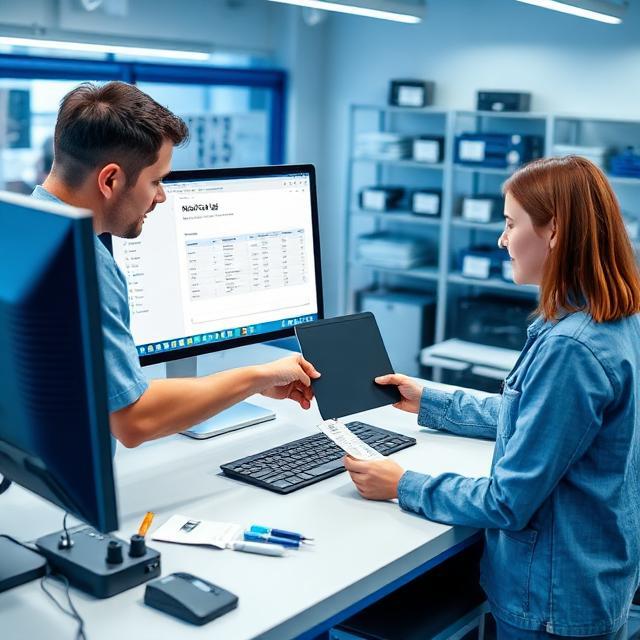
Customer submits a laptop, desktop, or other device for diagnosis and repair.

2. Create Job Card

Generate a digital job card with customer details, device information, and reported issues.

3. Assign Technician

Automatically or manually assign the repair task to the most suitable technician.

4. Repair Device

Technicians update repair progress while diagnosing, replacing parts, and completing the service.

5. Final Verification

Verify repair details, replaced parts, and technician notes before handing over the device.

6. Device Delivery

Notify the customer and deliver the repaired device with complete repair history.

Simple Repair Workflow, From Check-In to Delivery

Our ERP streamlines every stage of the repair process—from customer check-in and job card creation to technician assignment, billing, and final delivery—ensuring faster service and complete transparency.

Fast Performance

Best Trusted Business Solution

Top Leading Company

Cloud Ready
Secure Data

Why Choose Our ERP

Frequently Asked Questions

Find answers to the most common questions about our Computer Repair ERP Software, features, pricing, setup process, and support.

Computer Repair ERP Software is an all-in-one business management solution designed for computer and laptop repair shops. It helps manage repair jobs, customer records, inventory, technician assignments, billing, GST invoices, and business reports from a single dashboard.

Our ERP is ideal for computer repair shops, laptop service centers, desktop repair businesses, IT service providers, electronics repair stores, and multi-branch repair businesses of all sizes.

Yes. You can track every repair job from customer check-in to final delivery. The system provides real-time repair status updates, technician assignments, and complete repair history.

Yes. You can manage spare parts, accessories, stock levels, barcode-based inventory, purchase records, and low-stock alerts, helping you maintain accurate inventory at all times.

Yes. You can assign repair jobs to different technicians, track their workload, monitor repair progress, and improve team productivity from a single dashboard.

Yes. Our cloud-ready ERP allows you to access your business securely from desktops, laptops, tablets, and smartphones, enabling you to manage your repair shop from anywhere.

Yes. You can assign repair jobs to individual technicians, monitor workloads, track repair progress, and improve overall productivity through the technician management module.

Yes. We prioritize data security with secure user authentication, role-based access, encrypted data handling, and regular backup options to protect your business information.

The setup process is quick and straightforward. Our team assists with installation, configuration, and onboarding so you can start managing your repair business with minimal downtime.

Yes. We offer a free live demo so you can explore the ERP features, understand the workflow, and see how it can improve your computer repair business before making a decision.

Ready to Digitize Your Repair Business?

Download Our ERP Brochure

Enter your details below to instantly receive our latest Computer Repair ERP brochure in your email.